Windows
Desktop reading, parameter control, layout preview, and print preparation workflows.
 Dingan Shuzhi TechnologyDing'an Shuzhi Technology
Print Layout
One PDF layout product line, currently available on Windows and Android, with iOS, macOS, and HarmonyOS planned.
Positioning
Dingan PDF Layout is a multi-platform product line. Current releases cover Windows and Android, spanning desktop print preparation and mobile document workflows. This page shows both Windows and Android materials to explain how the same product capability set adapts to different device experiences.
Platforms
Desktop reading, parameter control, layout preview, and print preparation workflows.
Mobile document handling, layout review, and lightweight output workflows.
Planned as part of the same product roadmap for broader multi-device delivery.
Windows Showcase
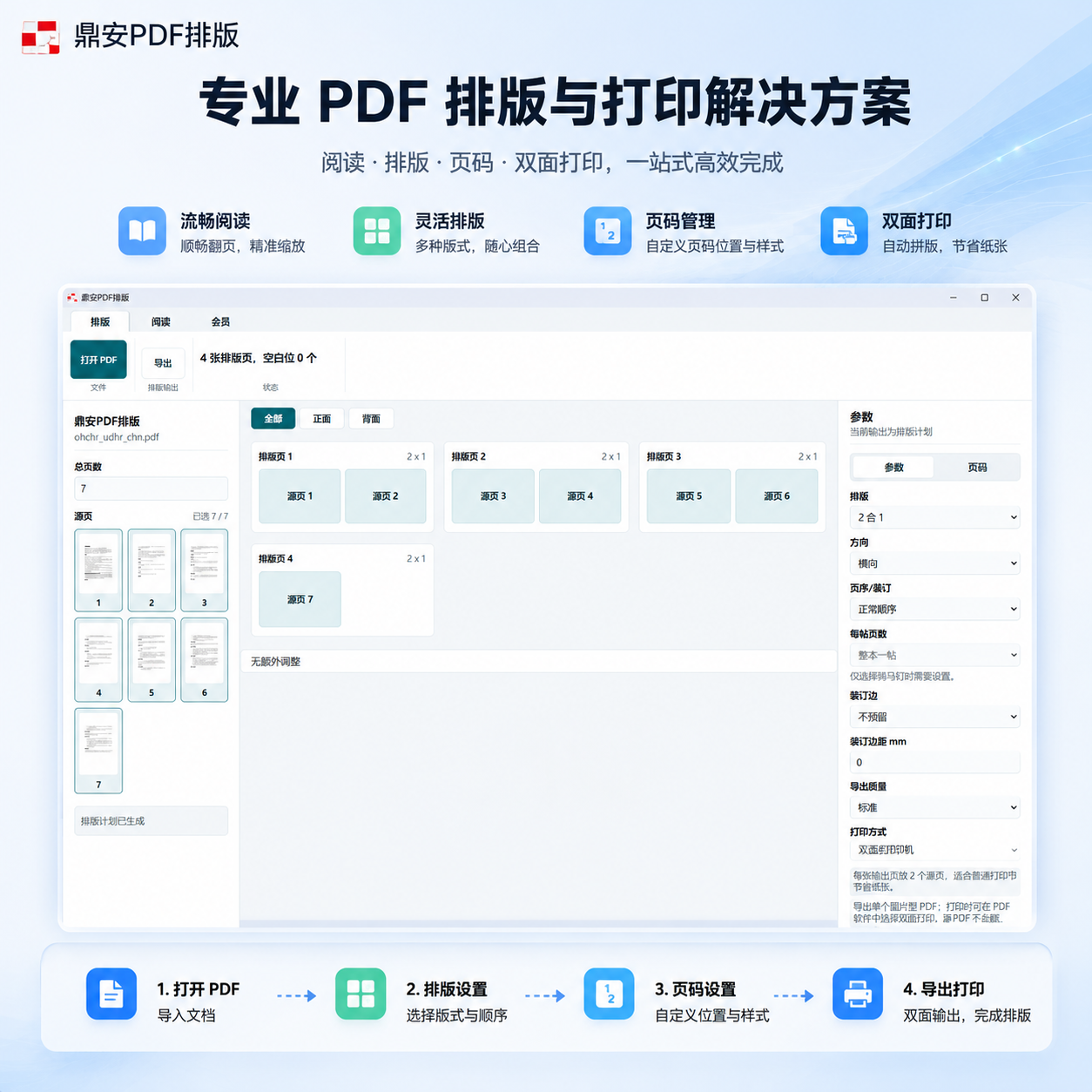
Reading, layout, page numbering, duplex printing, and export form a complete desktop workflow for print preparation.
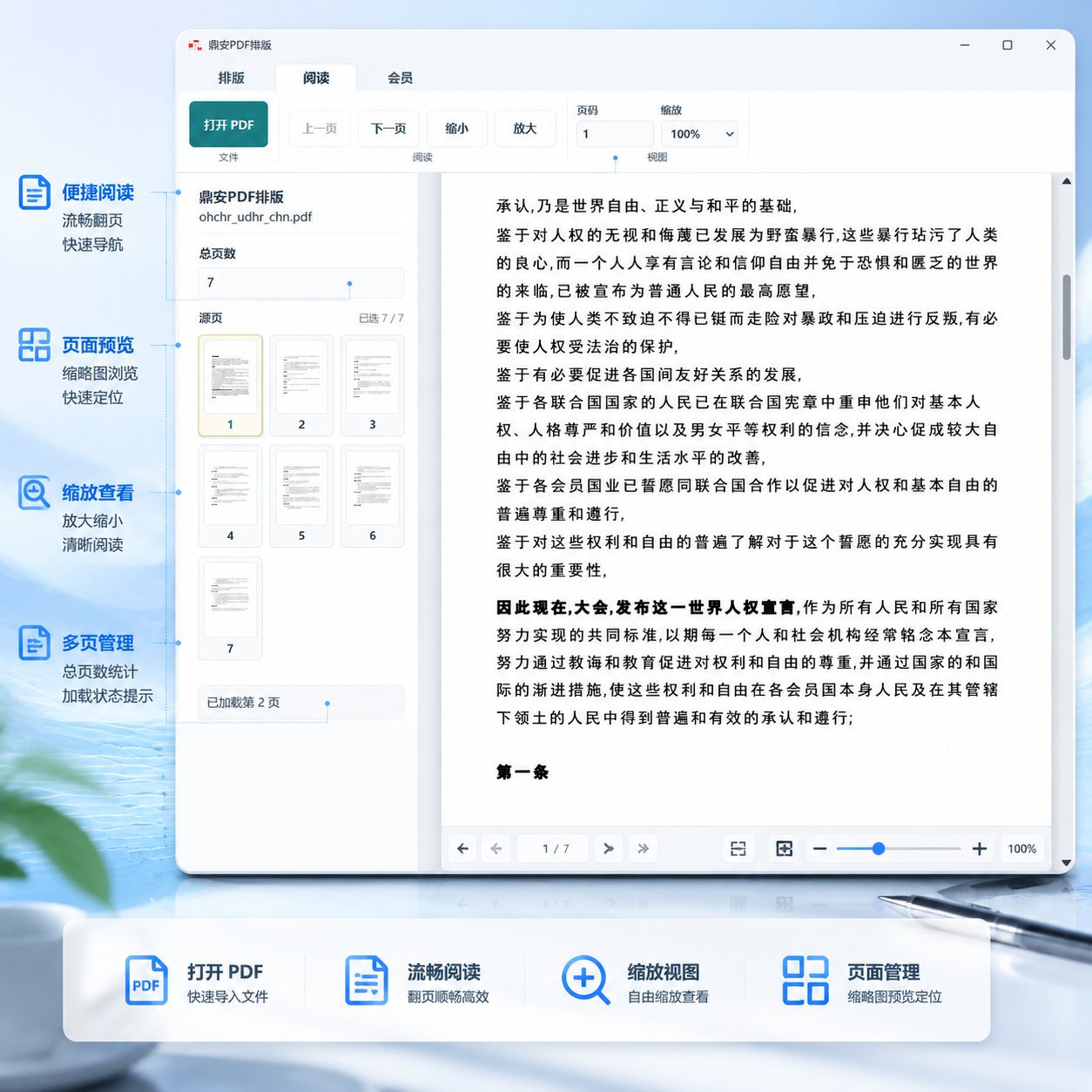
Open PDFs on the desktop, navigate with thumbnails, turn pages, zoom, and preview content before layout or printing.
Mobile Showcase
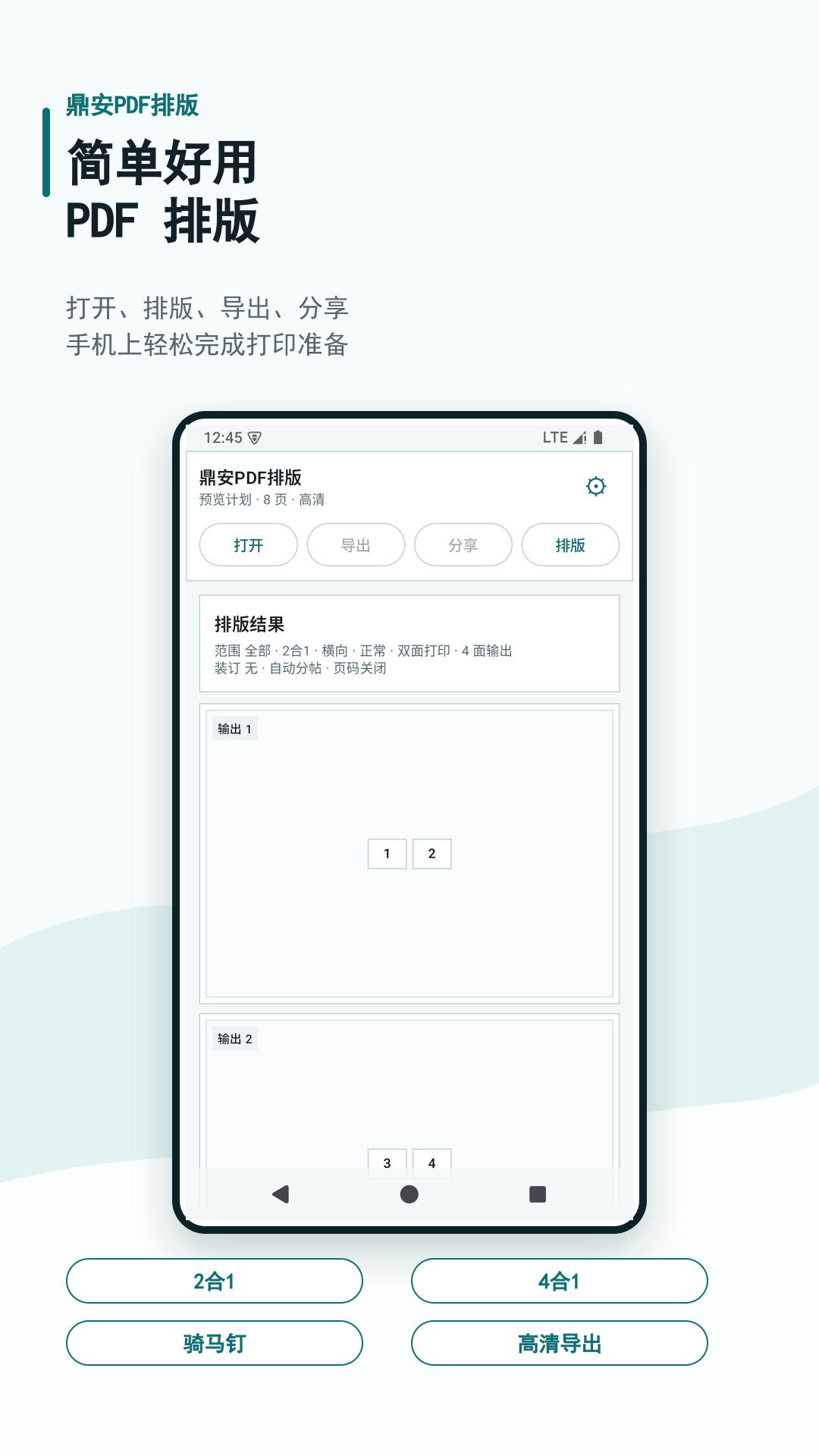
Open PDFs, review layout tasks, and move into output workflows from a streamlined phone or tablet interface.
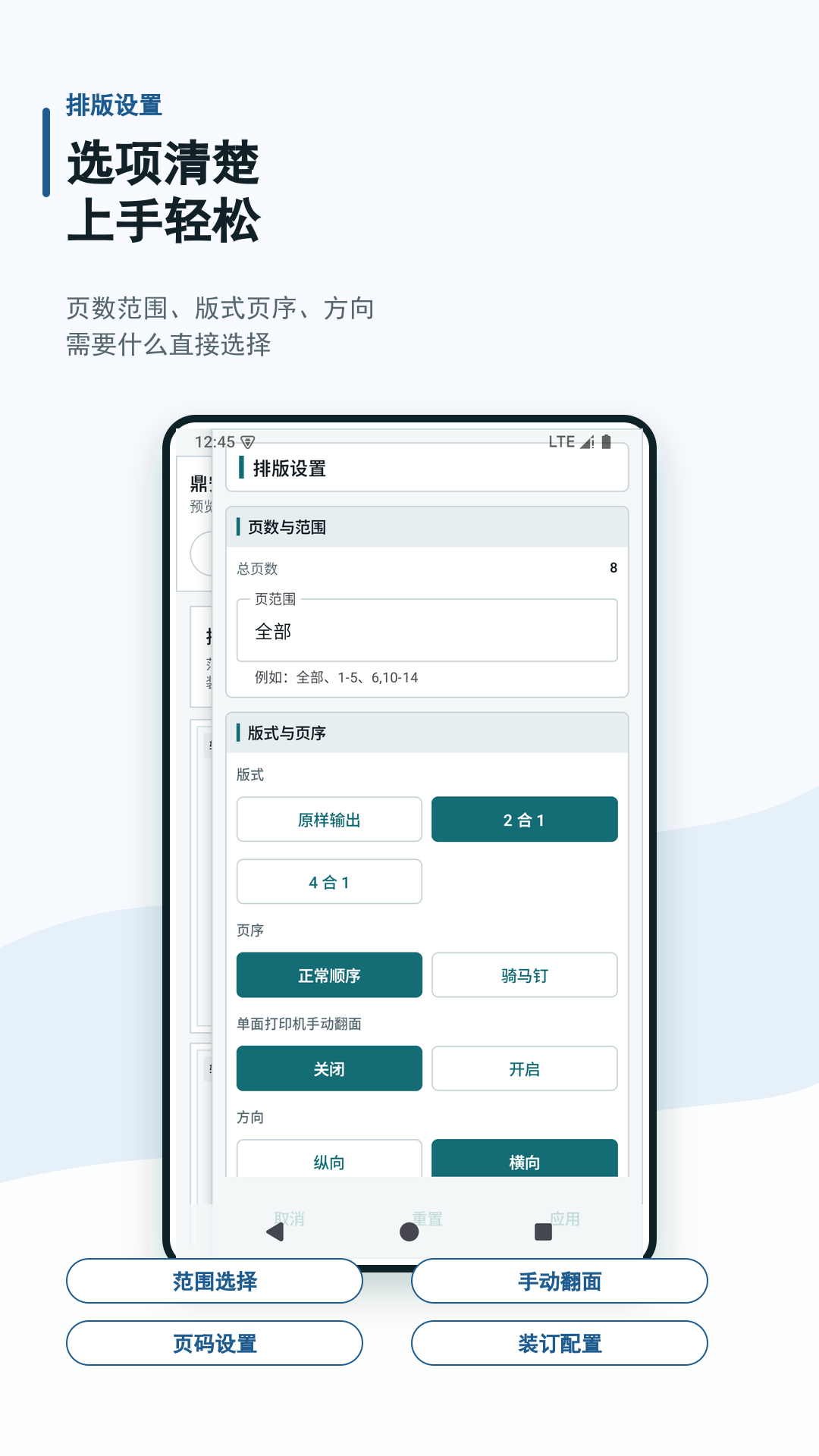
Keep core layout and page-processing controls available in a lighter mobile interaction model.
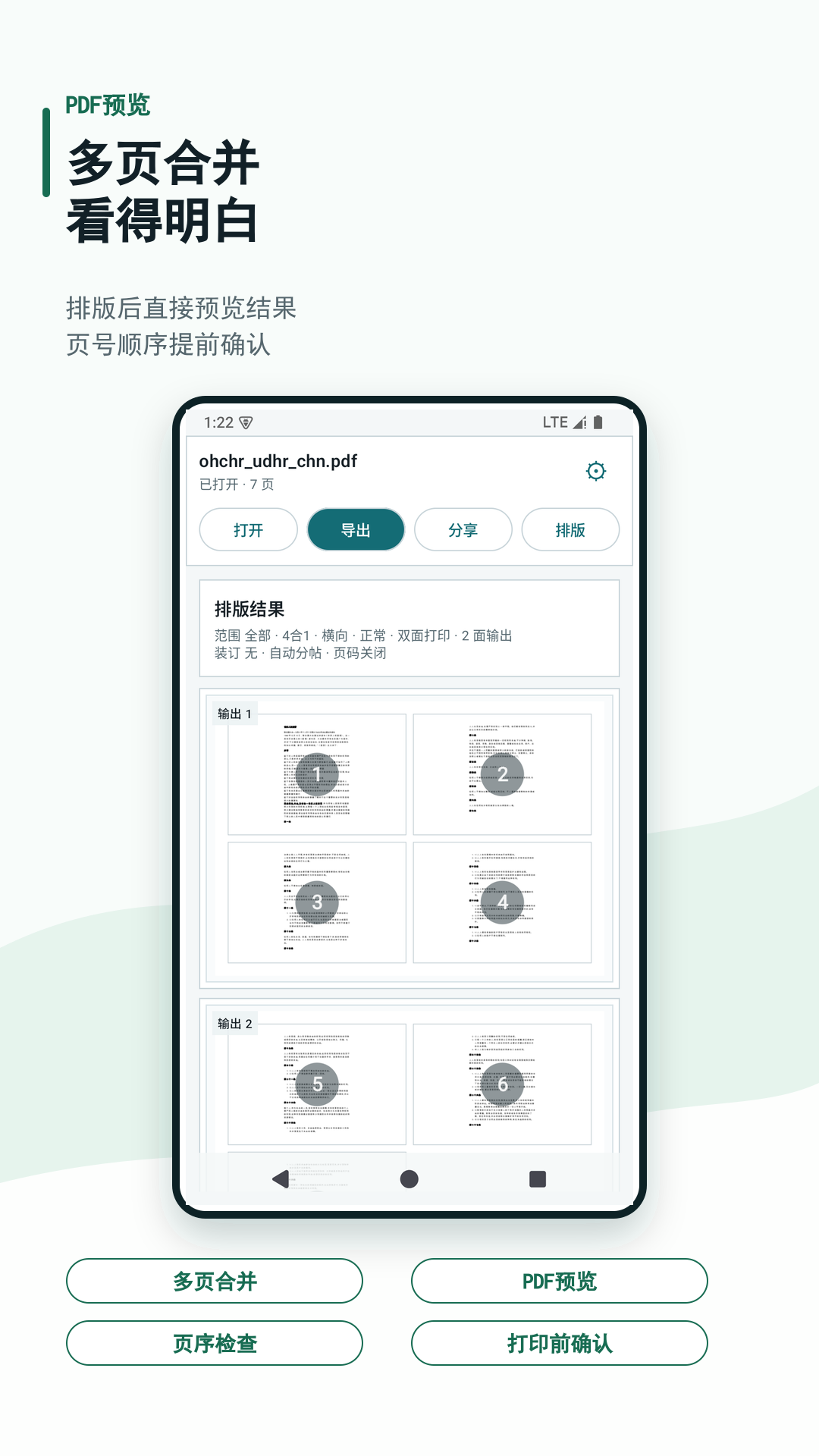
Check page order, output structure, and final layout results before export.
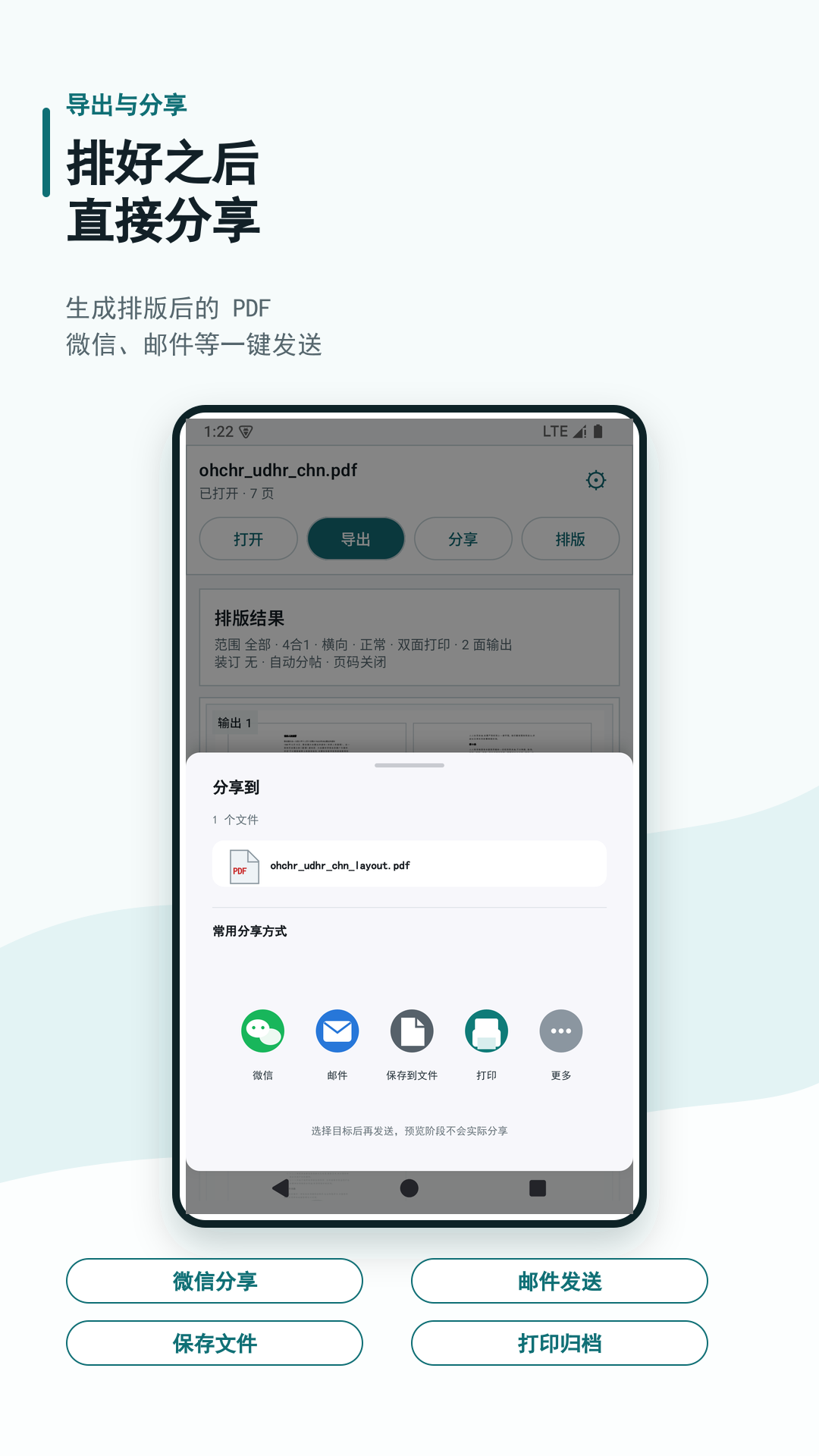
Continue from layout generation into file output and mobile sharing handoff when needed.
Capabilities
Support for 2-up, 4-up, orientation, page order, binding edge, export quality, and print method settings.
Make front and back sheet relationships easier to confirm before printing.
Configure page number position, style, size, and first-page visibility for structured output.
Review output numbers, source pages, blank positions, and layout summaries before final export.
Export layout results for printing, archiving, or downstream document delivery workflows.
The same product capability set continues to expand across Android, iOS, macOS, and HarmonyOS.
Important Notice
Current exports are raster PDFs for stable print output. Text, links, forms, interactive annotations, and original PDF object structure are not preserved.